
Every small clinic we've talked to is running one of three things: a paper sign-in sheet, a shared spreadsheet, or dedicated software. Most vendors comparing these have something to sell you, so the comparison skips straight to "and that's why you need our app." We build both a free spreadsheet template and a paid app, so here's the actual trade-off — including the cases where paper or a spreadsheet is the right, permanent answer.
| Option | Cost | Wait estimate | Waiting-room display | Breaks if... |
|---|---|---|---|---|
| Paper sign-in sheet | Free | None — verbal only | No | Handwriting is unclear, sheet gets lost or filled |
| Shared Google Sheet | Free | Yes, formula-driven | Yes, a second tab | Multiple staff edit at once, someone breaks a formula |
| Hosted app | Paid, trial free | Yes, same logic | Yes, unbreakable link | Rarely — that's the point |
Paper: still correct for some clinics
If it's one provider, low daily volume, and nobody's ever asked "how much longer" more than a couple of times a day, paper is not a problem to solve. The cost of switching to anything else — even something free — is the staff time to learn a new habit, and that cost is real. Don't switch a system that isn't actually causing pain.
A shared spreadsheet: free, and further than you'd expect
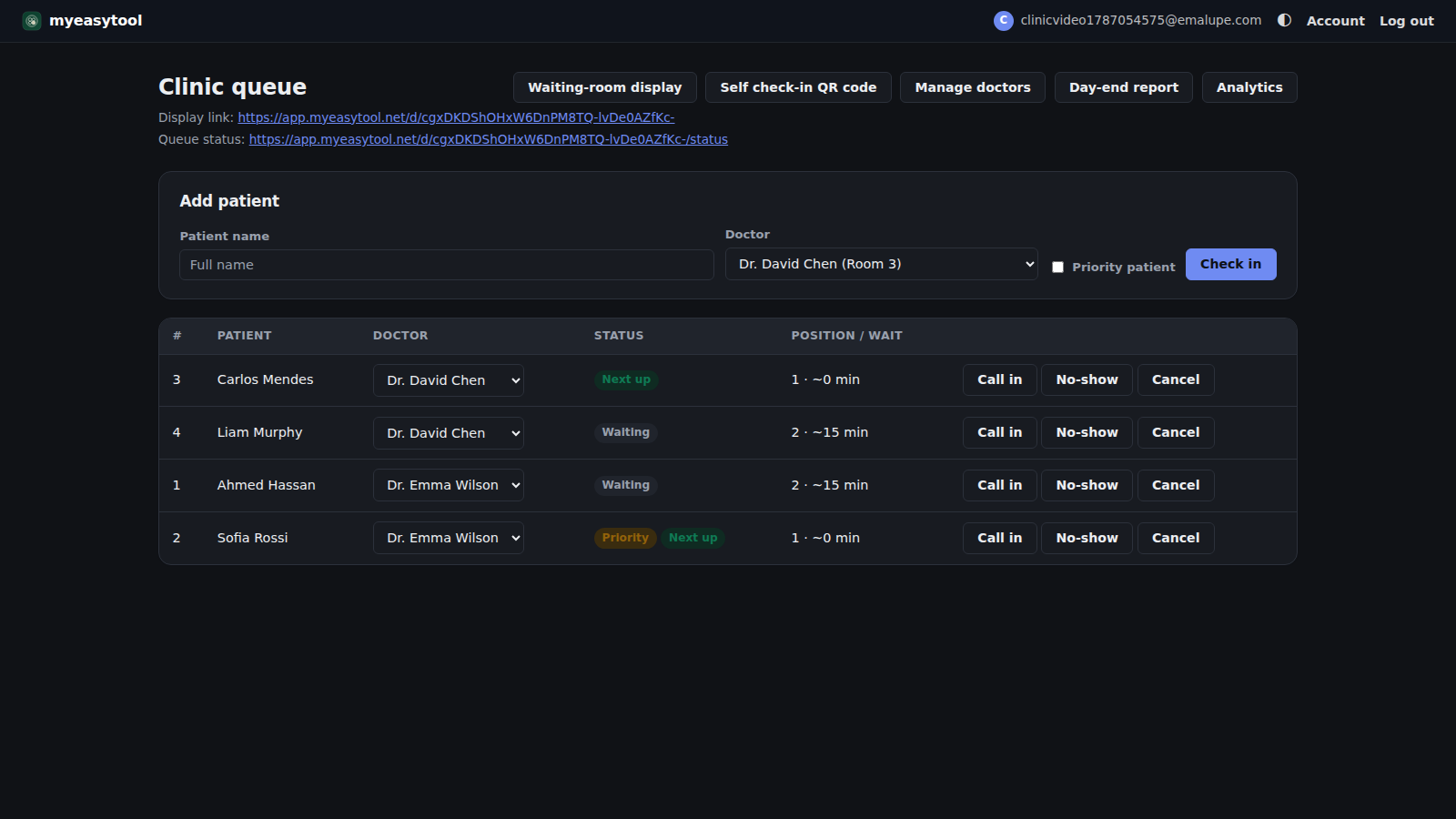
This is the option most clinics skip past, assuming a spreadsheet can't do a "real" wait estimate or a waiting-room display. It can — formulas can watch how long today's consults have actually taken and estimate from that, and a second tab can be a clean, TV-friendly read-only view. We wrote up exactly how, tab by tab. For a solo provider or a small, careful team, this is genuinely enough, indefinitely — not a stepping stone you're required to outgrow.
Where it strains: once two or three staff are editing the same sheet at the same time, one stray keystroke can break a formula for everyone, and there's no real login separating "reception can check patients in" from "only the doctor can mark done." A spreadsheet has no concept of roles — everyone with edit access can touch every cell.
A hosted app: the same idea, minus the fragility
The honest pitch for paying for something a free spreadsheet nearly does: real logins so reception and the doctor each only see their own buttons, and a display link that can't be broken by an accidental keystroke on the front-desk laptop. Nothing about the underlying idea changes — it's the same check-in, the same real wait estimate, the same token-number display. What changes is who can break it.
Start with the free spreadsheet — no signup, no cost, ever. If your clinic outgrows it, the hosted version has a 7-day free trial, no card required.